



Casombie App
Casombie App gives you direct access to our browser-based mobile casino from a home-screen icon. The icon loads Casombie Casino directly, so games and account tools stay connected to your web account. The shortcut receives site updates automatically through the browser. You can use it for online slots and live games, while promotions and account settings remain available after sign-in.



Key Features of the Casombie App
Quick access is the main purpose of our app shortcut. Because it opens the official website, you continue using the same profile instead of creating a second account. The layout also adjusts to smaller screens and supports touch navigation.
| Feature | How It Improves the Gaming Experience |
| Home-screen access | One icon opens Casombie Casino without typing the web address. |
| Responsive interface | Menus and game tiles adjust to the available screen size. |
| Connected account | Your balance and profile settings remain linked to the same account. |
| Automatic updates | The browser loads the current site version without a manual update. |
| Compact setup | No large installation package is stored on the device. |
The shortcut keeps the main navigation close to the web version. You can move between the casino lobby and your profile without learning a different interface. A new Casombie login may still be required after a session expires.
Casombie App for Your Android Device
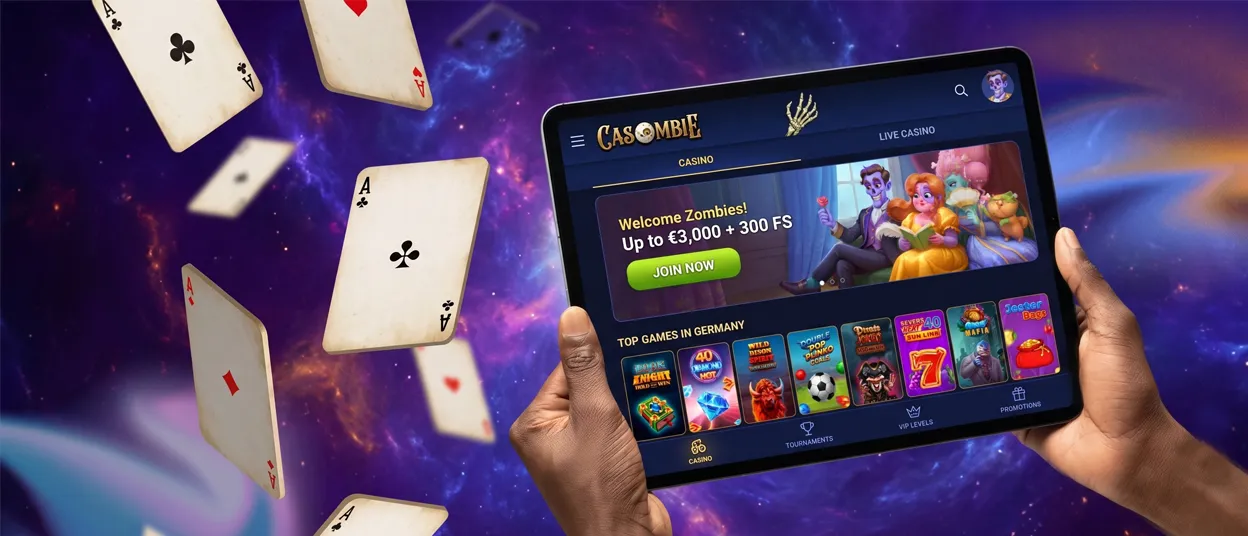
Casombie App setup on Android takes only a few moments. The process starts on the official casino website and stays inside the browser.
To create the shortcut:
- Open the official casino website in Chrome or another supported Android browser.
- Tap the three-dot menu in the upper-right corner.
- Choose the Add to Home screen command.
- Choose a shortcut name, then confirm the action.
Some browsers may display an Install site prompt before you open the menu. This command creates the same home-screen access. Once the icon appears, tap it and sign in with your existing details.
The Android version uses touch-friendly controls across the game area and profile section. Games open from the same catalog as the website, subject to device compatibility. Because setup begins on the official page, no third-party APK is involved and installations from unknown sources can remain disabled.
Casombie App for iOS Device
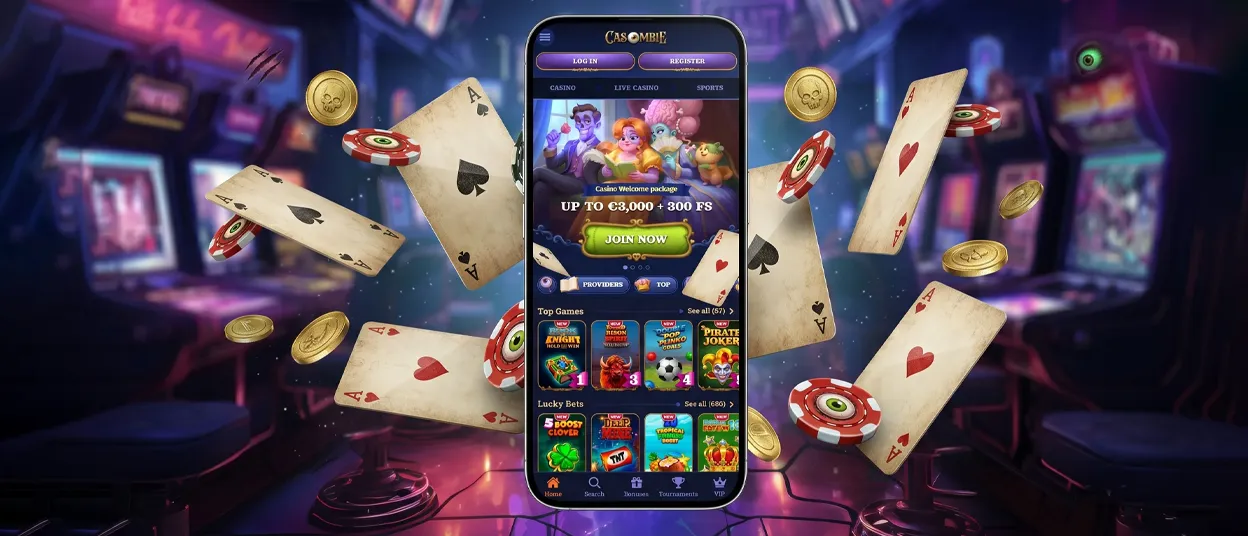
On an iPhone or iPad, Safari creates the home-screen icon through its Share menu. The process remains on the official casino page and does not require a separate store search.
Follow these steps:
- Open the Casombie Casino website in Safari.
- Tap the Share icon with the upward arrow.
- Scroll down and select Add to Home Screen.
- Edit the displayed name if needed, then tap Add.
The new icon will appear beside your other applications. You can move it to a folder or a different position on the home screen. Tapping the icon launches the mobile layout in Safari.
If Add to Home Screen is not shown, check that the site is open directly in Safari. Browsers built into messaging or social apps may use a different menu. Removing the shortcut later does not close your casino account or delete the information saved in your profile.
Casombie Application for Windows and macOS
Desktop users can open Casombie Casino in an up-to-date browser and create a quick launcher when that option is supported. This browser-based format keeps the setup simple on both Windows and macOS.
In Chrome or Microsoft Edge on Windows, open the browser menu and look for Install app or Create shortcut. The command may also appear as an icon near the address bar. Once created, the launcher can be pinned to the taskbar or Start menu.
On macOS, Safari may display Add to Dock for the active website. Chrome can provide its own shortcut command. The available label depends on the browser version, but each option leads back to the official Casombie Casino site.
The desktop shortcut may open in a separate window or a regular tab. You can reach the game lobby and promotions after signing in. The profile area also remains available for account management.
FAQ
Are my data and transactions secure when I play via the Casombie App?
The official shortcut uses the same encrypted HTTPS connection as the main website. Password controls and the verification process continue to apply when you access the account through the icon. The shortcut does not change withdrawal checks or the transaction records shown in your profile.
How can I contact support directly from the Casombie App?
Open the site menu and select Help Centre, or tap the Live Chat button when it is displayed. Our Support Team is available around the clock for account and technical questions. More detailed requests can be sent to [email protected].
Can I play Live Casino games on the Casombie App?
Yes. Open Live Casino from the main menu after signing in to Casombie Casino. Available rooms include roulette and blackjack. Live game shows are also part of the catalog.
Dealer video streams in real time, so a stable connection supports smoother play. Landscape mode can provide more space for the table and betting controls.
Can I withdraw my winnings through the Casombie App?
Yes. Sign in, open the payment section and select Withdrawal. The page will show the methods and limits available for your account.


